

Discount codes and a loyalty programme
Run promotions on your own booking website: a code for a campaign, an automatic deal for quiet weeks, and membership tiers for guests who come back.
Included from the Free plan.
 Tap to view
What it does
Discounts and loyalty
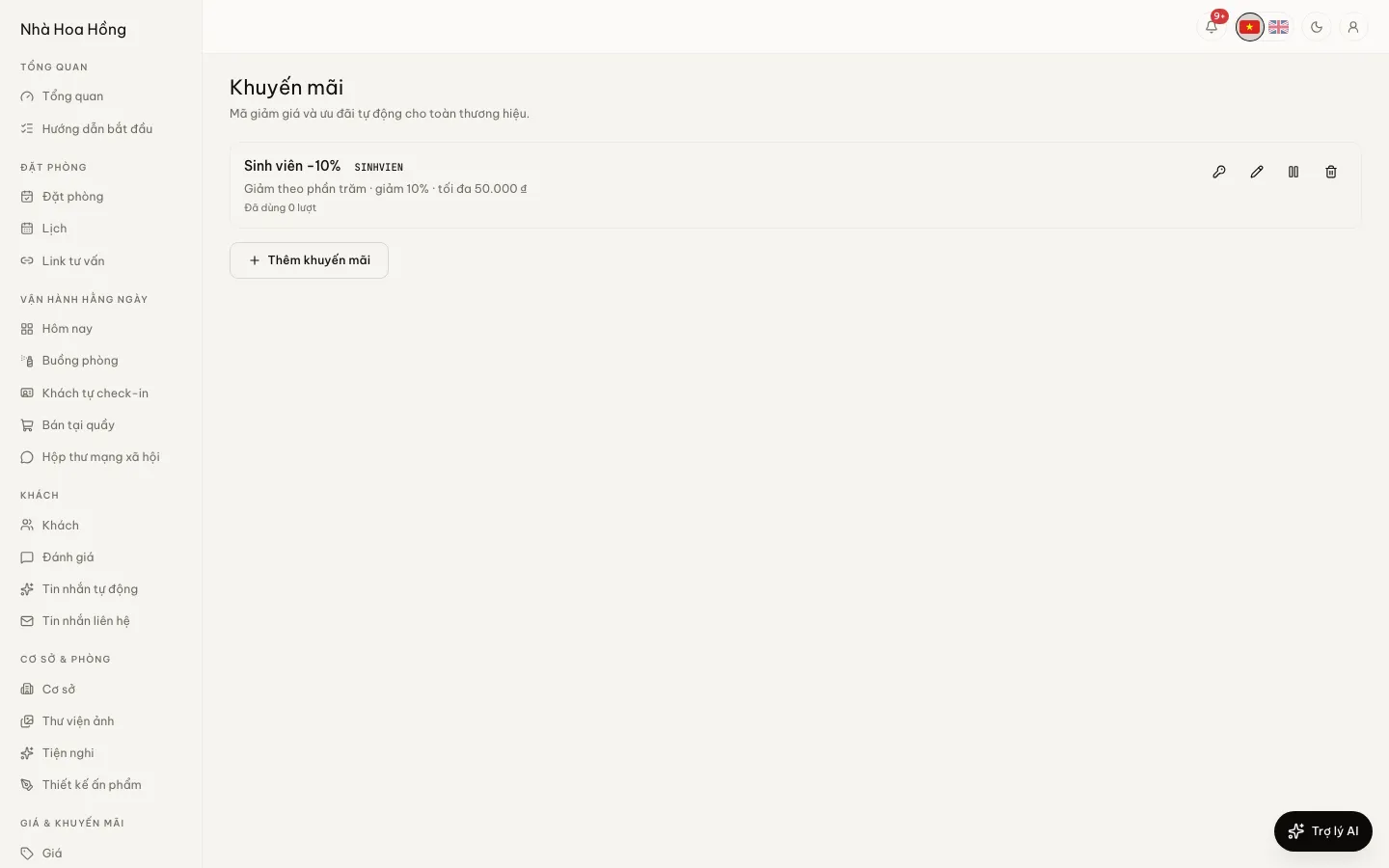
Promo codes
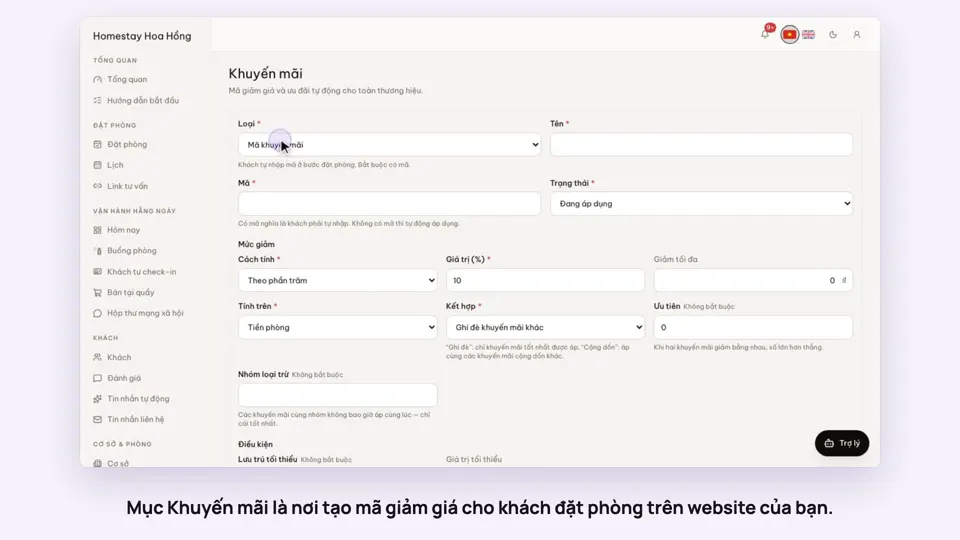
Guests enter a code when booking. Take off a percentage or a fixed amount, with an optional cap.
Automatic deals
With no code, a deal applies by itself when its conditions are met: early bird, last minute, stays of N nights or more.
Detailed conditions
Minimum nights, minimum booking value, weekdays, booking window and stay window, and only some properties or room types.
Usage limits
Limit total uses and uses per guest. Cancelled or failed bookings give their use back.
Child codes in bulk
Make up to 1,000 codes at once under a coded promotion, with a prefix and uses per code, and download a CSV to hand one to each guest. Once child codes exist, the promotion’s own code stops working.
Membership tiers
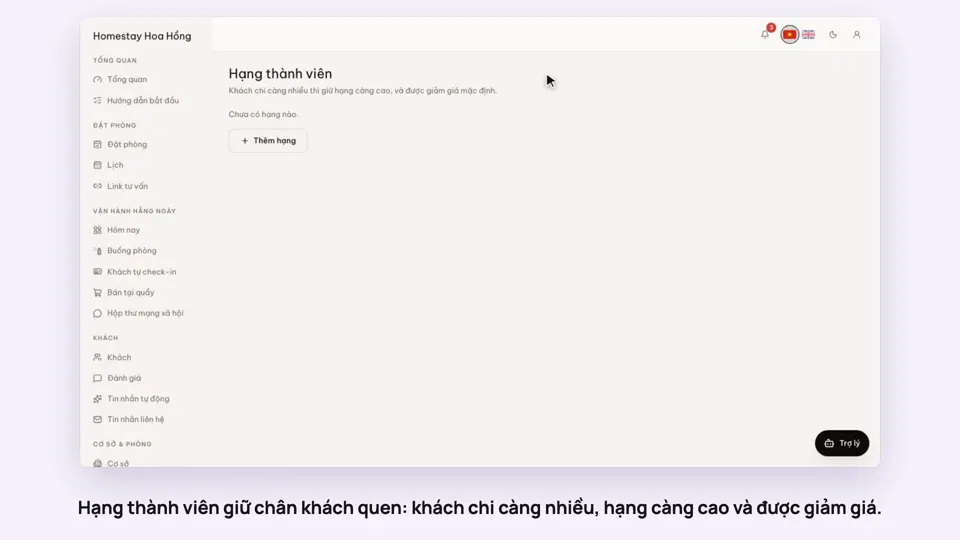
Guests with an account move up tiers as they spend and get a standing discount. Only money actually received counts, after refunds.
How it works
Up and running in a few steps
- 1
Open Discounts and click add.
- 2
Choose the type, the amount and the conditions. With a code, guests must enter it; without one, it applies by itself.
- 3
Send the code to guests on Zalo or Facebook. The list shows how many times it has been used.
- 4
To reward regulars, build a ladder under Membership tiers.
Discount codes are on every plan, Free included. Membership tiers start on the Professional plan.
How-to videos
Questions
Common questions
Two deals both apply. Which one wins?
You decide per deal: stack with others, or only the best one applies. Deals in the same exclusion group never apply together.
Do tiers stack with promo codes?
By default, yes. You can switch to giving the guest whichever is better.
Do guests who book without logging in earn a tier?
No. Tiers belong to a guest account, so the guest needs to log in when booking.