

Point of sale: shifts, payments and stock in your booking system
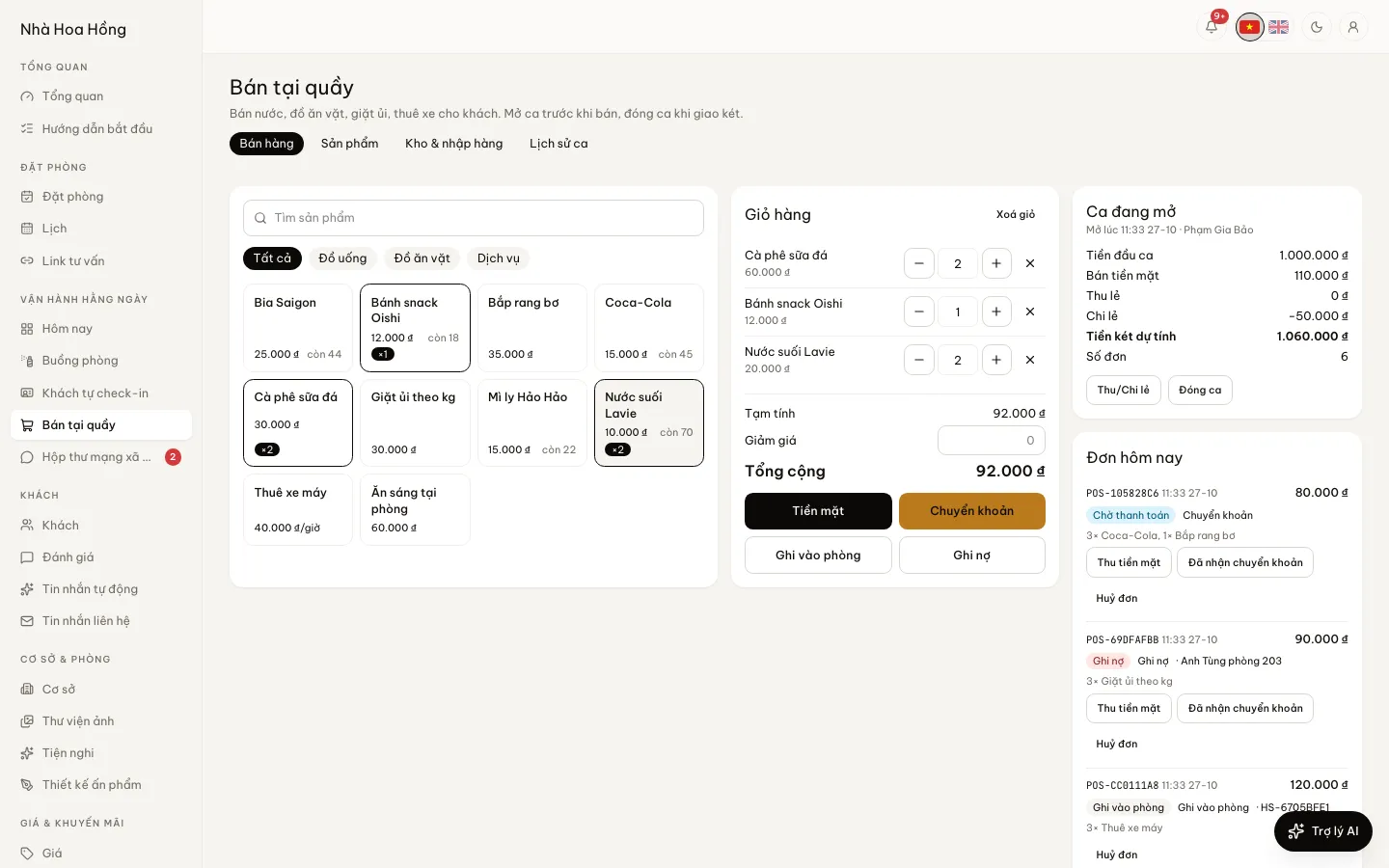
The desk taps a few items and the guest pays cash, scans a QR or adds it to the room bill. Stock goes down by itself, the shift adds up, and counting the till at the end shows any difference.
Included from the Free plan.
 Tap to view
What it does
Point of sale
Open a shift, close it, see the difference
Open a shift with the opening cash and record cash in and out during it. Close it with the cash counted: the screen says Exact, Over or Short and by how much. Every shift is kept in Shift history.
Four ways to pay
Cash, Bank transfer with a QR carrying the order code, Charge to room for guests staying, or On account with the name of who owes it.
The QR updates when money lands
With SePay connected, the screen turns to paid by itself once the guest’s transfer arrives. Without it, a manager taps Money received.
80mm receipts
Every sale shows a receipt on screen; tap Print receipt for an 80mm thermal printer.
Goods, services, hourly rentals
Each product is goods, a service or an hourly rental. Goods have a unit and a bulk unit, such as 1 crate = 24 bottles.
Stock, purchases, suppliers
Stock per property, adjustments and waste. Receive goods on a purchase, with a moving-average cost, and track what each supplier is still owed as you pay it off.
How it works
Up and running in a few steps
- 1
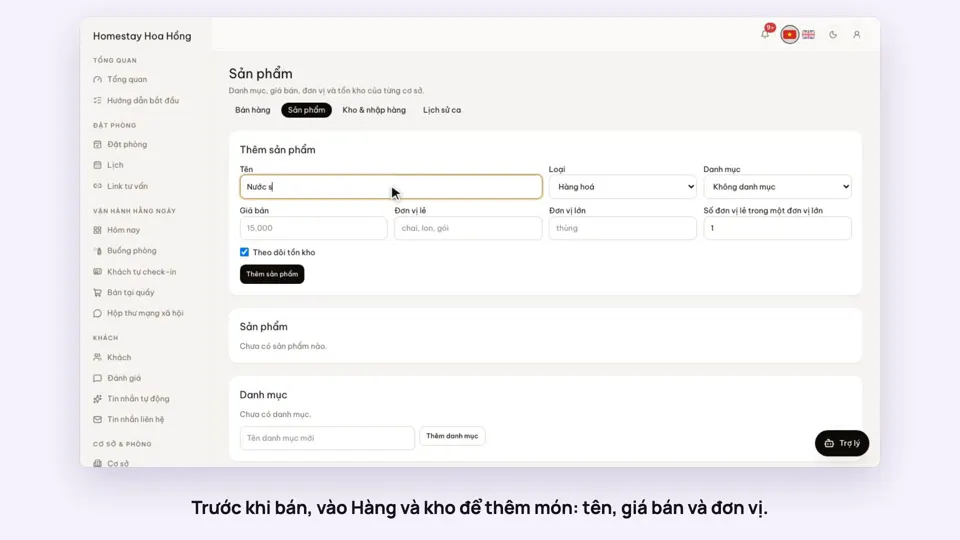
Open Products & stock: make categories and products with prices and units.
- 2
On the Stock & purchases tab, receive goods from a supplier so you have stock.
- 3
Open Point of sale, tap Open a shift and enter the opening cash.
- 4
Add items to the cart, choose how they pay, and print a receipt if asked.
- 5
At the end of the shift, tap Close shift and enter the cash counted.
For transfers to match by themselves, add your SePay connection key on the Payments page. Items charged to the room join the room bill and are paid at check-out; the owner can stop check-out while a guest still owes, so the desk must give a reason.
How-to videos
Questions
Common questions
How is this different from extras on a booking?
Extras belong to one booking. The point of sale sells to anyone, with shifts, a till and stock.
If I void a sale, does the stock come back?
Yes. Items go back to stock and a room charge comes off the room bill. Voiding needs a reason.
Do sales staff see the cost price?
No. Cost shows only to people who manage products, stock, suppliers and shifts. Someone with Sell at the desk only sells.
Do desk sales show up in reports?
Yes. Desk sales and cost of goods have their own columns in Books & tax.