

Running costs and monthly profit and loss
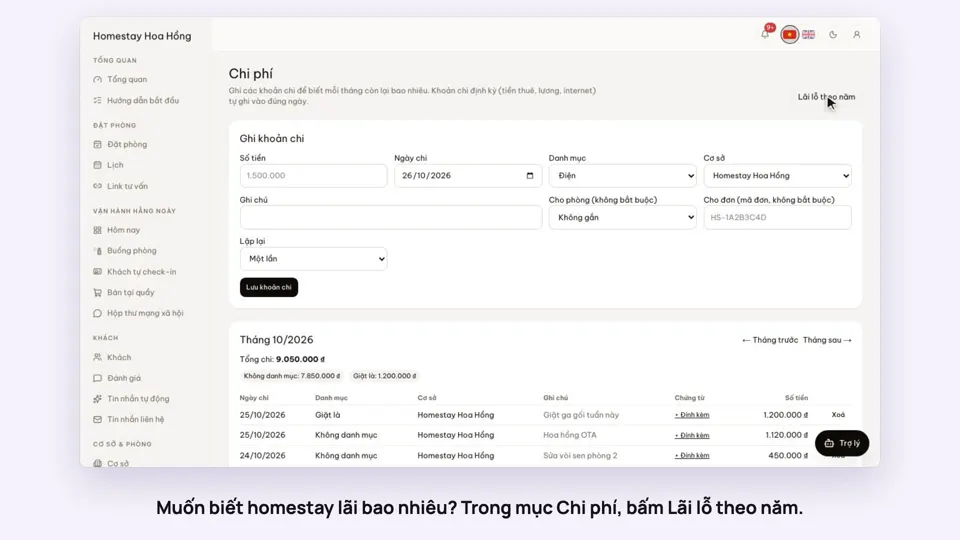
Revenue already comes from your bookings. Add your expenses, and the profit and loss page shows what is really left each month.
Included from the Free plan.
 Tap to view
What it does
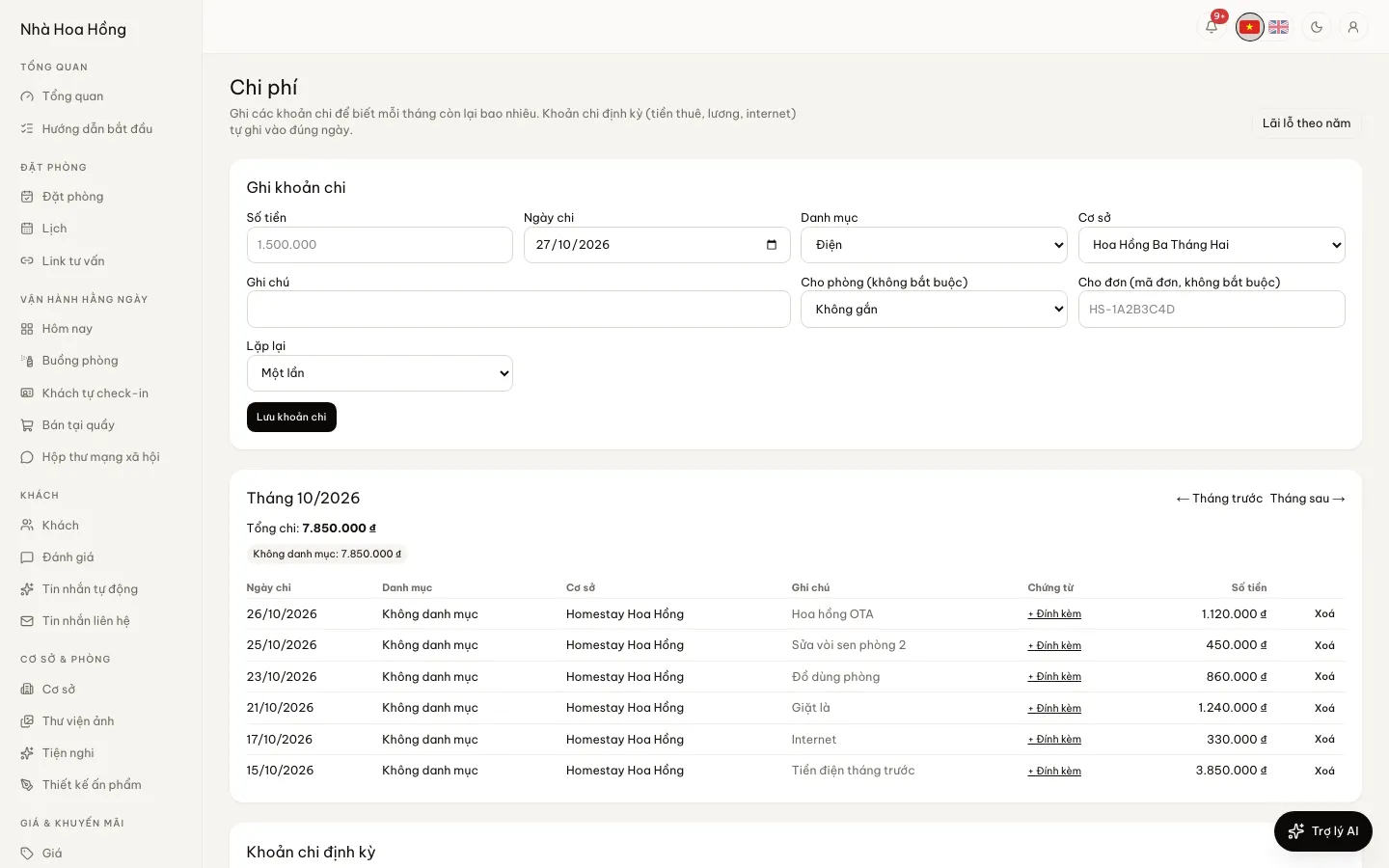
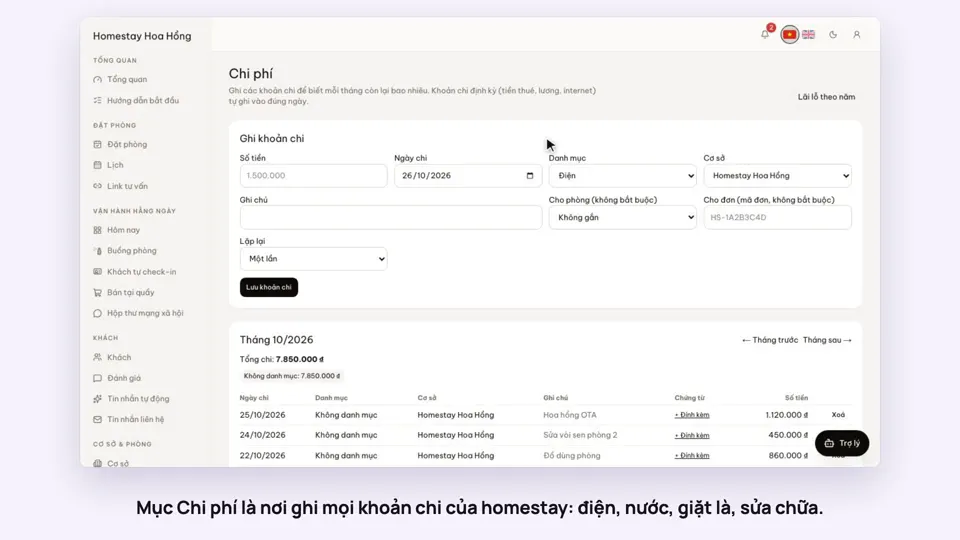
Expenses and P&L
Ready-made categories
12 common categories, and you can add your own. Each expense belongs to one property or to the whole brand.
A full category list in one click
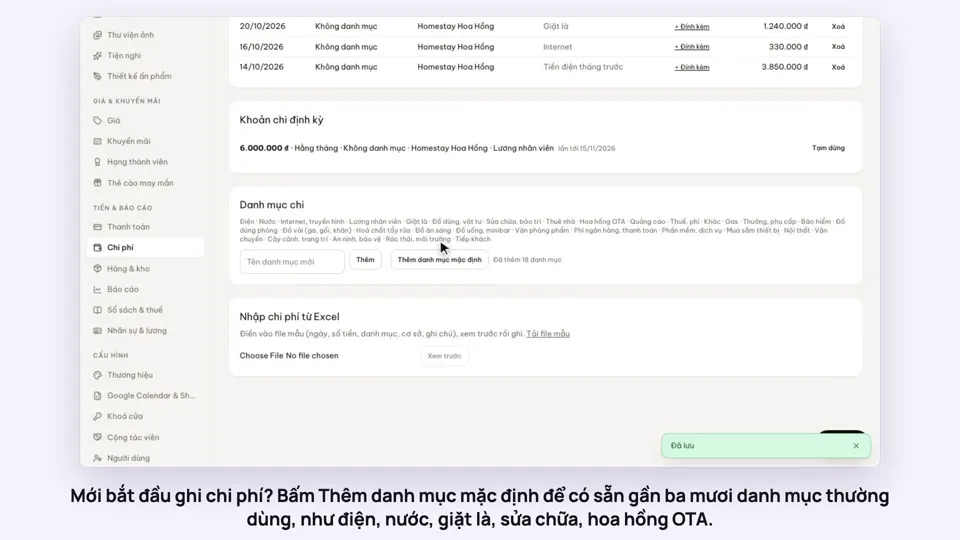
For a finer split, one button adds a default list of about 29 categories, from power and water, laundry and linen to OTA commission. Categories you already have are not added twice.
Tie costs to a booking, room or room type
An expense can be linked to a booking, a room or a room type. Profit and loss gains a table by room type, so you see which types make money and which do not.
Attach receipts
Attach up to 3 files to each expense, such as a photo of the bill or a payment slip, to check later.
Import expenses from Excel
Download the template, fill in your expenses and upload it. A preview shows every row so you can check it before saving.
Type amounts the short way
Typing "1,5tr" or "500k" is enough; no counting zeros.
Recurring expenses
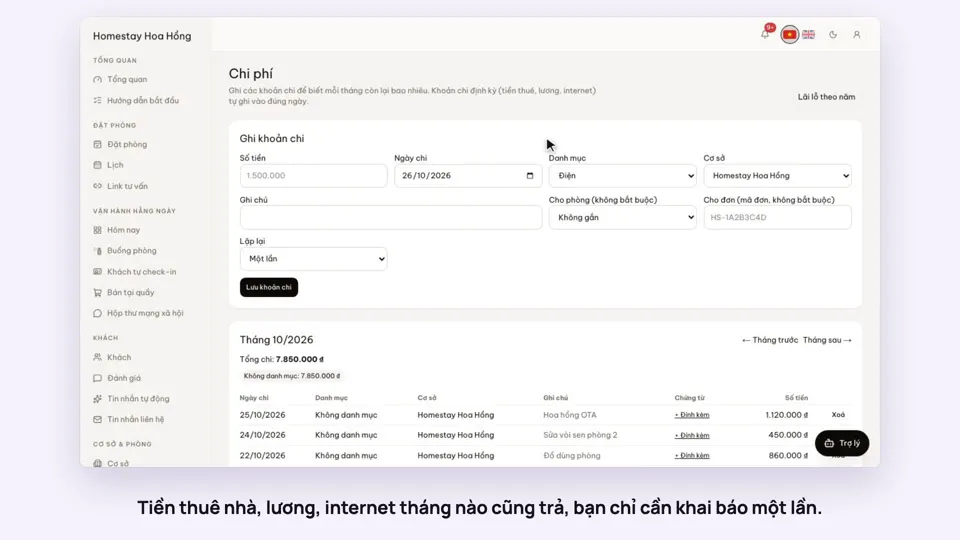
Rent, wages, internet: repeat weekly, monthly, quarterly or yearly. They are recorded on the right day, missed periods are caught up and nothing is recorded twice.
Profit and loss by year
One row per month: room revenue, extras, refunds, expenses and what is left. Plus a breakdown by category.
How it works
Up and running in a few steps
- 1
Open Expenses and click Record an expense.
- 2
Enter the amount, date, category and property. Choose a repeat if it comes every month.
- 3
Open Profit & loss by year to see each month.
This is a simple profit and loss: booking income minus refunds minus expenses. The ledger, B02 and B03 statements and the household tax book are in Books & tax.
How-to videos
Questions
Common questions
Can I see profit and loss for one property?
Yes. When you look at one property, brand-wide expenses are left out.
Which date does revenue count on?
Room revenue counts by night stayed, after discounts. Extras and refunds count on the booking’s check-in date.
Can staff see expenses?
Only if their role may view expenses. Adding or editing categories is for people with brand-wide access.