

Sync room calendars with Airbnb, Booking.com and Agoda
Sell on your own website and on OTAs at the same time without two guests getting the same night. Calendars are exchanged through iCal links in both directions.
Included from the Basic plan.
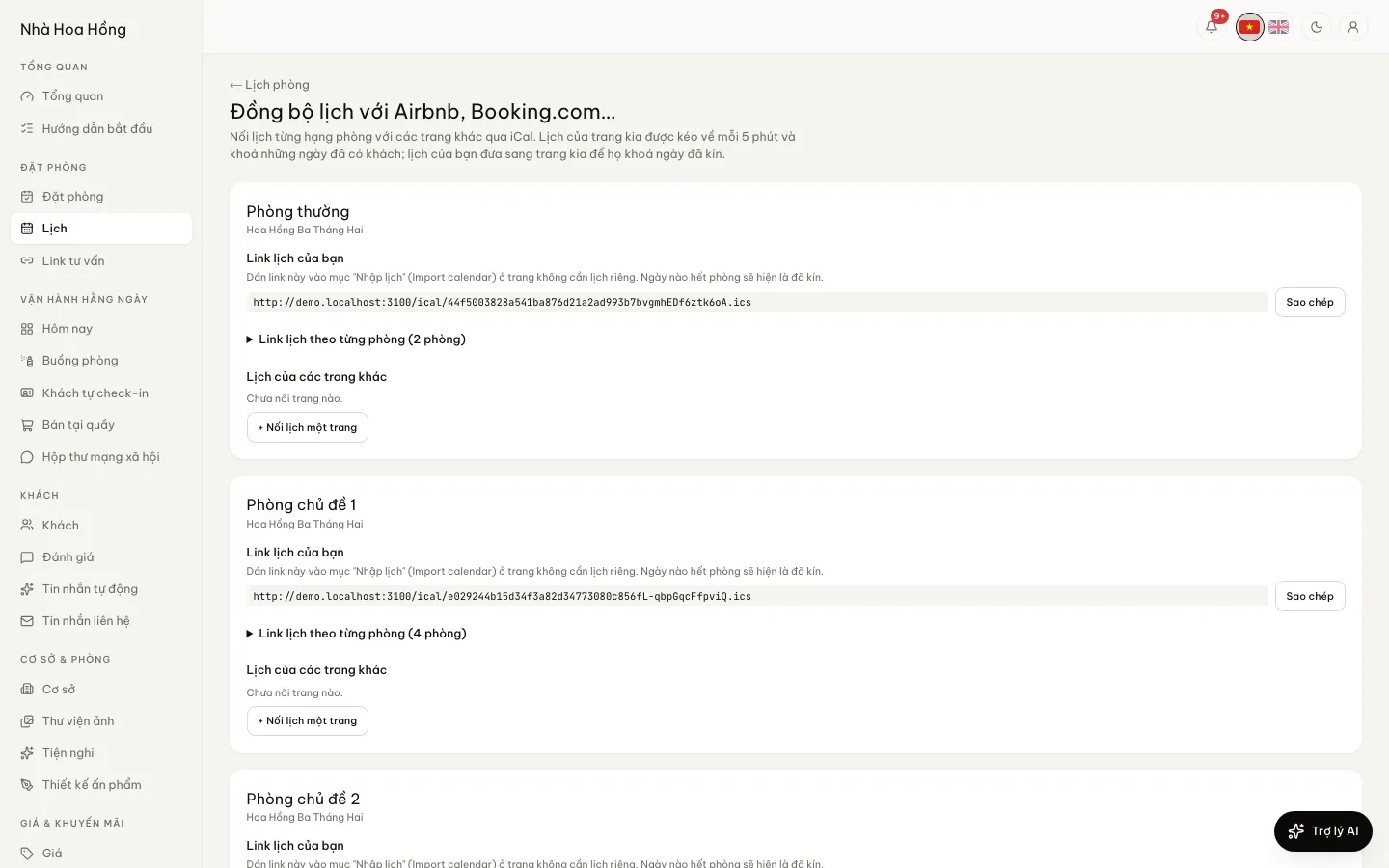 Tap to view
What it does
OTA calendar sync
Your calendar, sent to OTAs
Each room type has an .ics link. Nights with no rooms left show as booked on the other site, for the next 365 days.
Calendars for single rooms
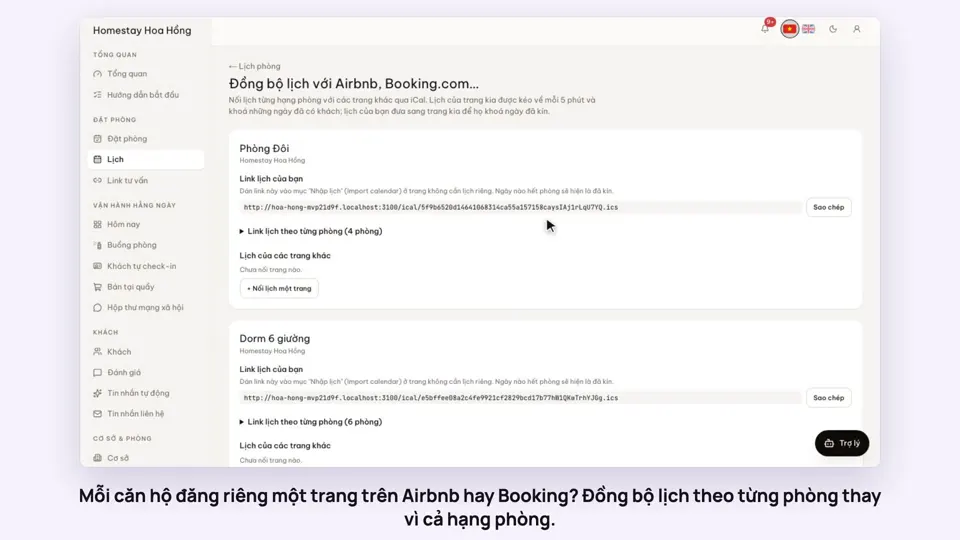
Besides the room type link, each room has its own export link and its own import feed. If every apartment is its own OTA listing, a booking for one blocks only that apartment, and the others of the same type stay on sale.
A separate link per OTA
The link you give Airbnb leaves out guests who booked on Airbnb, so the two calendars never block each other in a loop.
OTA calendars pulled every 5 minutes
Paste the export link from Airbnb, Booking.com or Agoda. Their booked dates become blocks, and open again when a guest cancels or changes dates.
Overlaps and broken links flagged
If their guests and yours need more rooms than you have, or a calendar link stops loading, the bell and the manager’s phone say so straight away, once per problem.
How it works
Up and running in a few steps
- 1
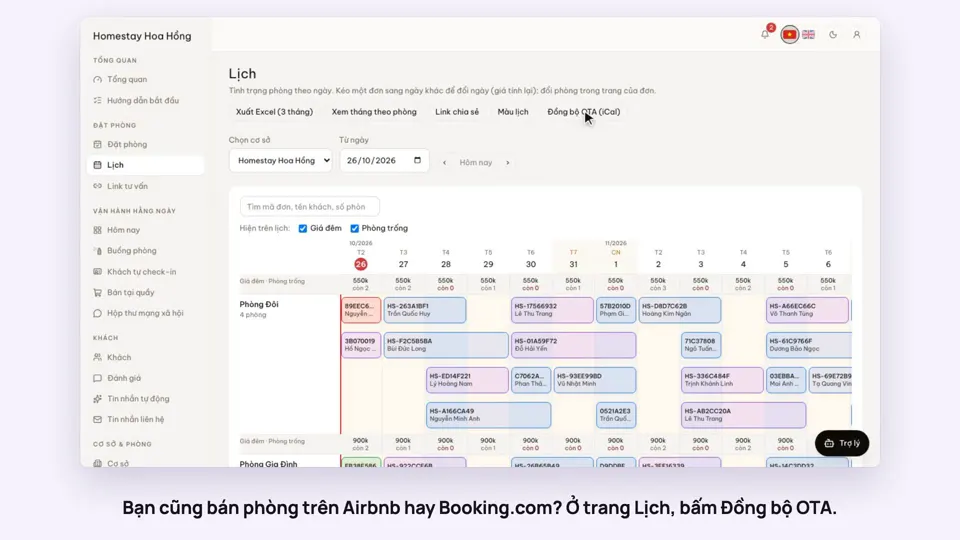
Open Calendar and click Sync OTAs (iCal).
- 2
For each room type, copy your calendar link and paste it into each OTA’s Import calendar setting.
- 3
Copy the OTA’s Export calendar link, click Link a site’s calendar and paste it in.
- 4
Click Sync now to check. After that it pulls every 5 minutes.
iCal only carries booked dates: no prices, guest names or payments. Each OTA decides how often it reads your link. Pulling OTA calendars in needs the Basic plan or the OTA sync add-on; your own calendar link for the OTAs works on every plan.
How-to videos
Questions
Common questions
Is the sync instant?
No. OTA calendars are pulled every 5 minutes, and each OTA reads your link on its own schedule (some every few hours). A small gap remains, which is why an overlap is flagged at once.
Do OTA bookings become bookings in HostBooking?
Not through iCal: OTA stays only become blocks on your calendar. For bookings with the guest’s name and price, forward the OTA’s confirmation emails to your brand’s own address: see Forwarding OTA booking emails.
Should I connect by room type or by single room?
If one OTA listing covers a whole room type, use the room type link. If each room or apartment is its own listing, use that room’s link.
What happens when I remove an OTA?
The dates its calendar blocked are released straight away.
Where is the calendar link on each OTA?
Airbnb: in each listing’s calendar, under Connect calendars, for both import and export. Booking.com: the Extranet, Rates & Availability, Sync calendars — offered only for some property types such as homes and apartments. Agoda: Agoda Homes accounts have iCal calendar sync; hotels usually need a channel manager. Traveloka does not take iCal for most properties, so update availability there by hand.
Can prices be pushed to OTAs?
No. iCal only carries booked dates. Set OTA prices on the OTA; the OTA list price calculator works out the right price after commission.